On this page
10 Best Grammarly Alternatives for Sales, PMs & Productivity Teams (2026)
Grammarly isn't the only game in town. We tested 10 writing tools to find the best alternatives for busy professionals, from AI rewriters to grammar checkers that get your voice right.

Noah
Mar 20, 2026 · 12 min read
Is Grammarly Still Worth It?
Grammarly changed the game when it launched. A spell checker that understood context, caught comma splices, lived in your browser. It was great.
But it's 2026. If you're a PM writing specs in Notion, a salesperson sending follow-ups in Gmail, or a CS lead responding to tickets, you write more now than ever, across more apps than ever.
Grammarly still catches errors well. It added desktop apps, tone suggestions, AI rewrites. But if you've used it for a while, you've noticed: the suggestions feel generic. The "tone" adjustments don't sound like you. Grammarly detects tone. It doesn't learn your voice. When you're writing 50+ messages a day across Slack, email, and docs, generic suggestions slow you down.
We went looking for alternatives. We ended up building one.
Why Look Beyond Grammarly?
A few reasons people are switching:
- Generic output. Grammarly pushes you toward the same corporate-friendly voice as everyone else. Your sales outreach reads like a template. Your PM updates lose their edge. The grammar gets fixed; the personality gets flattened.
- Price creep. $12/month for Premium (billed annually). Multiply that across a team. The core value is still grammar checking with AI features layered on top.
- Limited languages. Grammarly supports six languages now (English, Spanish, French, German, Portuguese, Italian). If you work with clients or teammates outside that list, you're stuck.
- Tone vs. voice. Grammarly can label a sentence "confident" or "friendly." It can't learn your rhythm, your shorthand in Slack, the way you structure a client email vs. a weekly update. Tone detection and voice learning are different things. Most tools do the first. Almost none do the second.
What Grammarly Does Well
Grammarly earns its reputation in a few areas:
- Grammar and spelling. Best-in-class for catching errors.
- Plagiarism detection. Useful for academic and content work.
- Cross-platform reach. Desktop apps for Mac and Windows, browser extensions, mobile keyboards. Works in over 500,000 apps.
- Clarity suggestions. Good at flagging wordy or confusing sentences.
Grammarly Premium Pricing
| Plan | Price | What You Get |
|---|---|---|
| Free | $0 | Basic grammar, spelling, punctuation |
| Premium | $12/mo | Tone, clarity, rewrites, plagiarism |
| Business | $15/mo per user | Team features, style guides, analytics |
On to the alternatives.
Grammarly Alternatives Comparison Table (2026)
| Tool | Free Plan | Paid Price | Best For |
|---|---|---|---|
| Ditto | Free (early access) | TBA | Productivity pros who write across apps all day |
| ProWritingAid | Limited free | $10/mo | Deep style analysis for long-form writers |
| QuillBot | Limited free | $8.33/mo | Quick paraphrasing and summarization |
| Hemingway Editor | Free (web) | $19.99 (one-time desktop) | Making dense writing more readable |
| Wordtune | Limited free | $9.99/mo | Sentence-level rewrites with tone options |
| LanguageTool | Free tier | $4.99/mo | Multi-language grammar checking |
| Paperpal | Limited free | $12/mo | Academic and research writing |
| Writer.com | Free for individuals | Custom pricing | Enterprise brand consistency |
| Sapling | Free tier | $25/mo (or $12/mo annual) | Customer support and sales teams |
| Outwrite | Free tier | ~$9/mo | Readability and style improvements |
Feature Comparison 2026
| Feature | Ditto | Grammarly | ProWritingAid | QuillBot | LanguageTool |
|---|---|---|---|---|---|
| Voice-aware rewriting | ✓ | ✗ | ✗ | ✗ | ✗ |
| Works in any app (system-wide) | ✓ | ✓ | ✗ | ✗ | ✗ |
| Multi-language support | ✓ | Partial (6) | ✗ | ✗ | ✓ (30+) |
| Grammar checking | ✓ | ✓ | ✓ | ✓ | ✓ |
| Plagiarism detection | ✗ | ✓ | ✓ | ✓ | ✗ |
| Long-form writing support | ✓ | ✓ | ✓ | ✗ | ✓ |
| Free tier available | ✓ | ✓ | ✓ | ✓ | ✓ |
1. Ditto
Best for writing that sounds like you
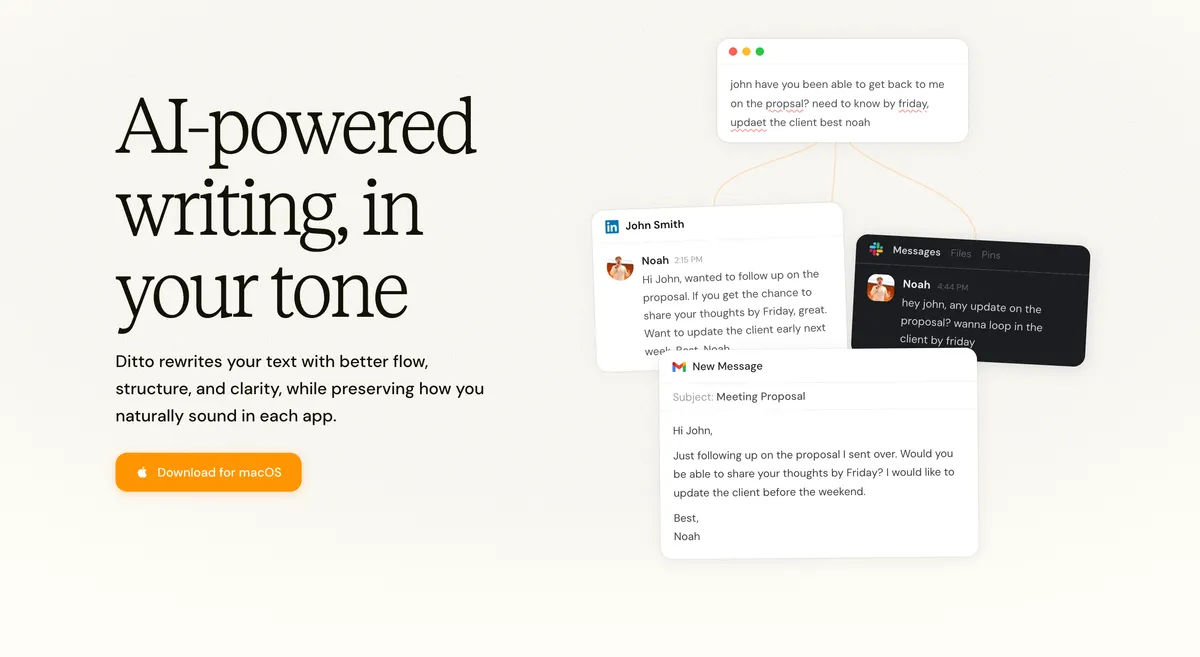
We're biased. We built Ditto because nothing else did what we needed as people who spend half the day writing across a dozen apps.
Ditto is a macOS writing assistant that learns how you write, your tone, your rhythm, your quirks, and helps you write faster without flattening your voice. It works system-wide: Gmail, Slack, Notion, Linear, Salesforce, HubSpot, any app where you type.
How it's different:
- Voice-first. Ditto learns your voice profile and rewrites text to match how you communicate. Your sales follow-ups still sound like you. Your Slack messages keep your personality.
- System-wide on macOS. It runs in every app on your Mac. No extensions, no per-app setup. Draft a client email, update a Notion doc, respond in Slack. One tool.
- Multi-language with voice continuity. Write in English, switch to French, send something in Spanish. Ditto keeps your voice consistent across languages. Useful if you work with international clients or teams.
- Context-aware. Ditto knows a Slack message to your coworker reads differently than an email to a prospect or a status update for leadership. Same voice, different register.
Ditto is free during early access. No credit card, no trial expiration. Download and start writing.
Best for: Salespeople, PMs, marketers, CS managers, and anyone who writes across apps all day and wants their messages to sound like them.
Pricing: Free during early access.
Write like yourself, better
Ditto is in early access on macOS. Join the waitlist.
Get free access for macOS2. ProWritingAid
Best for long-form deep editing
If you write novels, long reports, or academic papers, ProWritingAid goes deeper than Grammarly on style analysis. It gives you reports on sentence variation, pacing, readability scores, repeated phrases.
The trade-off: a lot of information. If you want quick email rewrites, ProWritingAid is overkill.
Strengths:
- 25+ in-depth writing reports
- Excellent for fiction and academic writing
- Word Explorer tool for finding better word choices
- Integrations with Scrivener, Google Docs, and MS Word
Weaknesses:
- Overwhelming for short-form writing
- No system-wide access, works through integrations only
- English only
- Real-time suggestions can lag on long documents
Best for: Novelists, academics, and long-form content writers who want detailed style feedback.
Pricing: $10/month (annual) or $399 lifetime license.
3. QuillBot
Best for quick paraphrasing
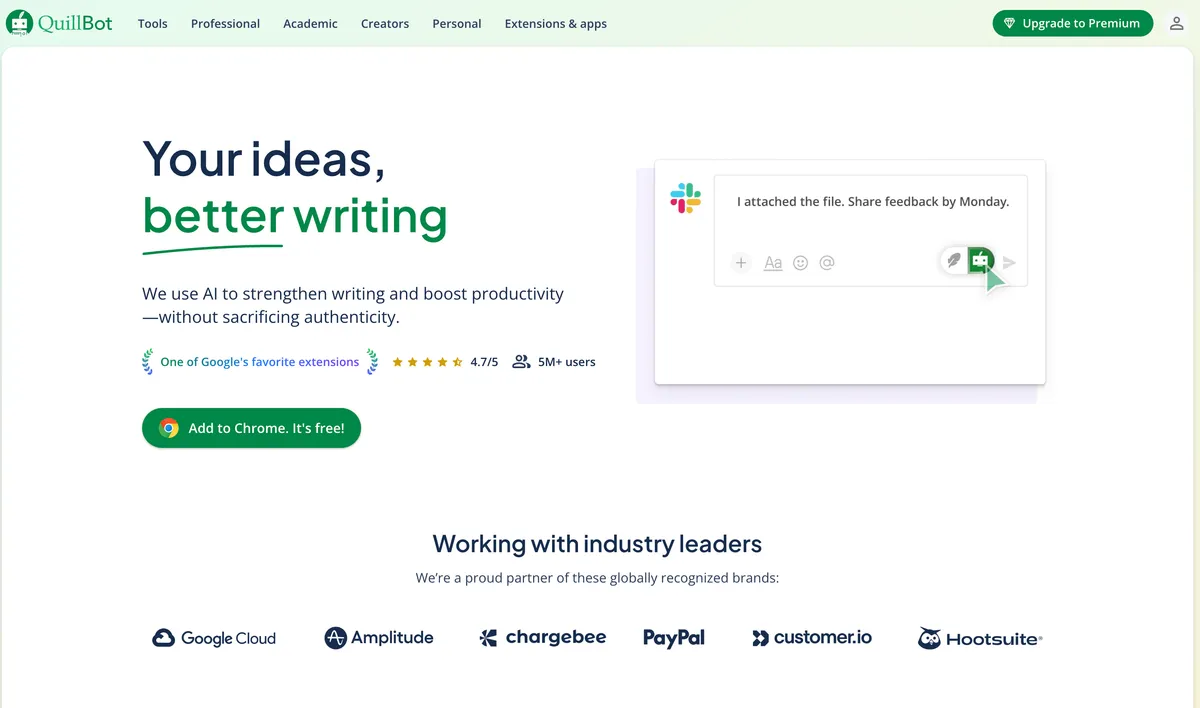
QuillBot started as a paraphrasing tool and remains one of the best at that job. Paste in a sentence, pick a mode (fluency, formal, creative), get a rewritten version.
It's fast and the free tier is generous. But it's a paraphrasing tool. It doesn't learn your voice or work system-wide. You're in copy-paste mode.
Strengths:
- Multiple rewriting modes (7 styles)
- Built-in translator, summarizer, grammar checker, and plagiarism detector
- AI Humanizer tool for making AI text sound more natural
- Chrome extension and Word add-in
Weaknesses:
- No voice learning, rewrites are generic
- Copy-paste workflow for most use cases
- English-focused for paraphrasing (translator covers more languages)
- Can produce unnatural phrasing in creative mode
Best for: Students and content creators who need quick paraphrasing.
Pricing: Free tier available. Premium at $8.33/month (annual).
4. Hemingway Editor
Best for readability
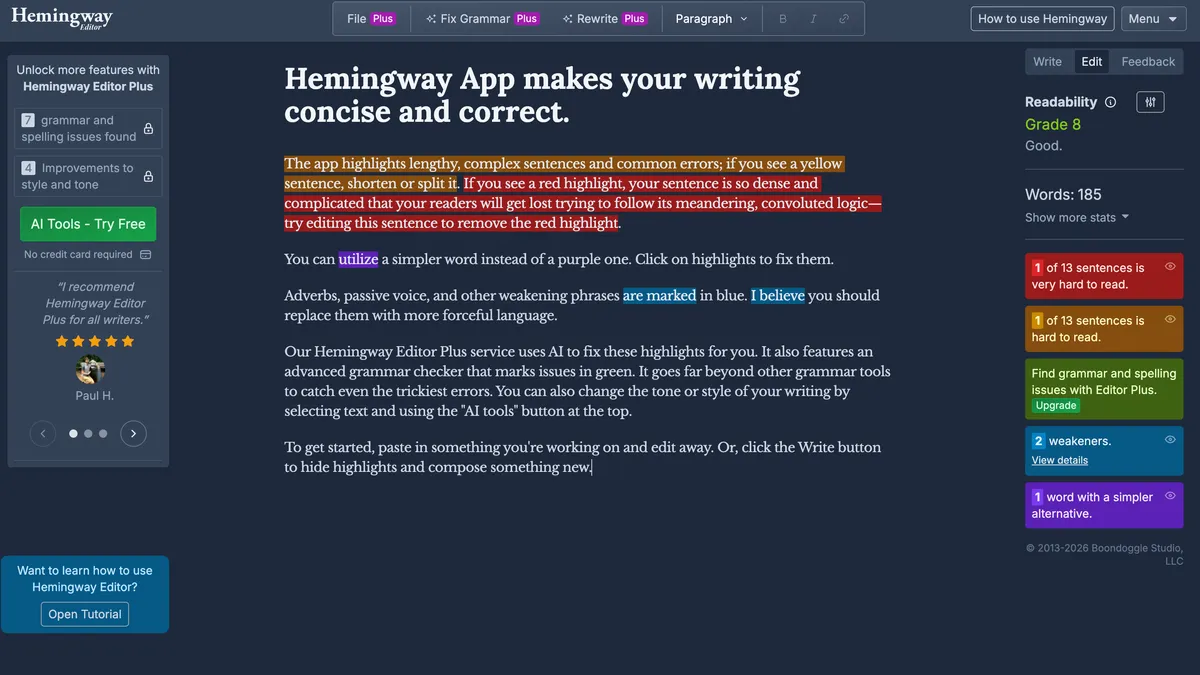
Hemingway Editor does one thing well: it shows you where your writing is hard to read. Adverbs get highlighted. Passive voice gets flagged. Complex sentences get color-coded by reading level.
It started simple. Paste your text, watch it light up. The team has since added a "Hemingway Plus" tier with AI-powered sentence rewrites, but the core readability analysis is still the main draw.
Strengths:
- Instant readability analysis
- Color-coded sentence complexity
- Distraction-free writing mode
- One-time purchase for desktop app ($19.99)
- New AI rewrite features in Plus tier
Weaknesses:
- AI features are basic compared to dedicated rewriting tools
- No browser extension or app integrations
- Doesn't catch grammar errors well
- No voice or tone understanding
Best for: Writers who want to simplify dense or academic prose.
Pricing: Free (web). $19.99 one-time for desktop. Hemingway Plus available as subscription.
5. Wordtune
Best for sentence-level rewrites

Wordtune gives you multiple ways to rewrite a single sentence. More casual, more formal, shorter, longer. It's quick and the suggestions are decent.
The limitation is scope. It works sentence by sentence, not across your whole writing style. It has browser extensions and an iOS app, but no system-wide integration.
Strengths:
- Multiple rewrite options per sentence
- Casual/formal tone toggles
- Chrome and Edge extensions, plus iOS app
- Can translate from 10 languages into English
Weaknesses:
- Sentence-level only, no document-wide voice
- No system-wide desktop access
- Limited free plan (10 rewrites/day)
- Output is English only (input can be multilingual)
Best for: People who want quick sentence-level alternatives while writing in the browser.
Pricing: Free (limited). Premium at $9.99/month.
6. LanguageTool
Best free multi-language grammar checker
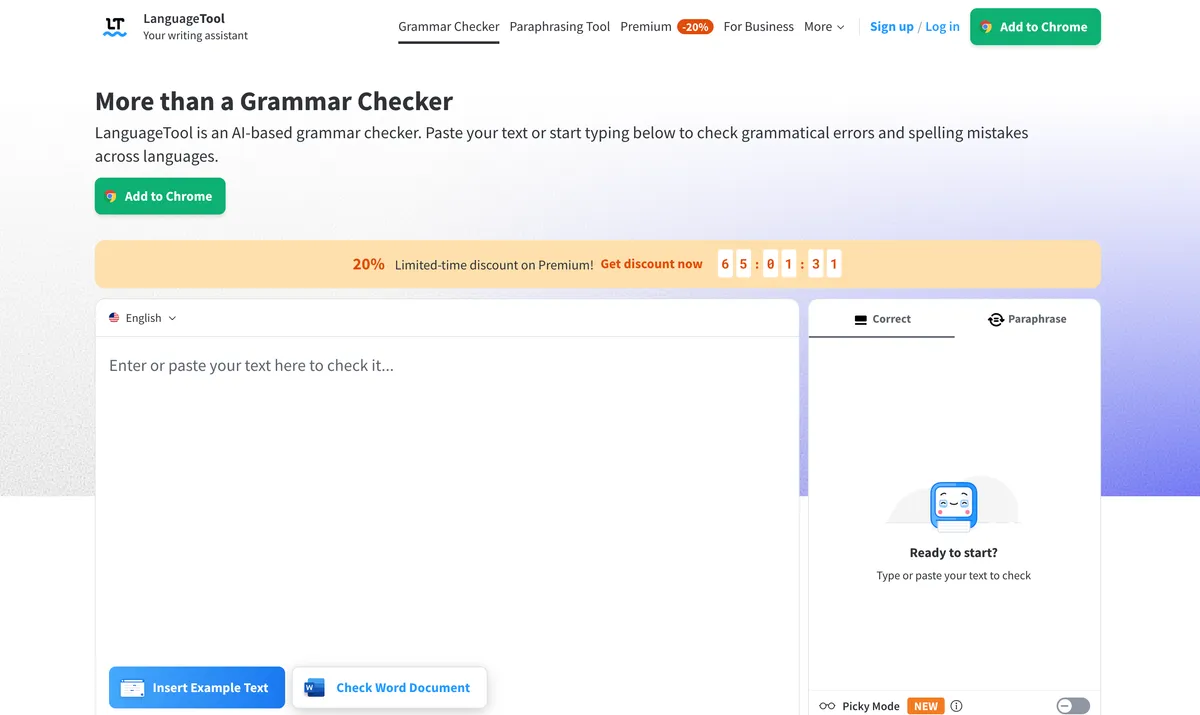
If you write in multiple languages and need grammar checking, LanguageTool is hard to beat. 30+ languages, a generous free tier, open-source at its core.
It won't learn your voice. But it catches grammar and spelling mistakes across languages that most other tools can't.
Strengths:
- 30+ language support
- Generous free tier
- Open-source core
- Desktop apps (macOS, Windows), browser extensions, LibreOffice, and MS Word add-ins
Weaknesses:
- No AI rewriting or voice learning
- Premium features are basic compared to alternatives
- Interface feels dated
- Style suggestions are limited
Best for: Multilingual writers who need reliable grammar checking across languages.
Pricing: Free tier. Premium at $4.99/month.
7. Paperpal
Best for academic writing

Paperpal is built for researchers and academics. It understands citation formatting, technical terminology, the tone journal reviewers expect.
If you're not writing academic papers, skip this one. If you are, it's more useful than Grammarly's generic suggestions.
Strengths:
- Trained on academic and scientific text
- Journal-specific style suggestions
- Manuscript submission preparation
- Consistency checking for technical terms
Weaknesses:
- Narrow use case, academic only
- No general-purpose writing assistance
- Expensive for individual researchers
- Limited integrations
Best for: Researchers, PhD students, and academics publishing papers.
Pricing: Free tier. Premium at $12/month.
8. Writer.com
Best for enterprise teams

Writer.com is built for companies that need everyone writing in the same brand voice. It enforces style guides, terminology lists, tone rules across teams.
This is an enterprise content governance platform. If you're a team of one, look elsewhere. If you manage 50 content writers, Writer.com is powerful.
Strengths:
- Custom style guide enforcement
- Brand voice consistency at scale
- Team analytics and reporting
- API access for custom workflows
Weaknesses:
- Enterprise-focused, overkill for individuals
- Custom pricing, not transparent
- Setup requires investment in defining rules
- Not designed for personal writing
Best for: Marketing teams and enterprises that need brand voice consistency.
Pricing: Free for individuals. Custom pricing for teams.
9. Sapling
Best for customer-facing teams
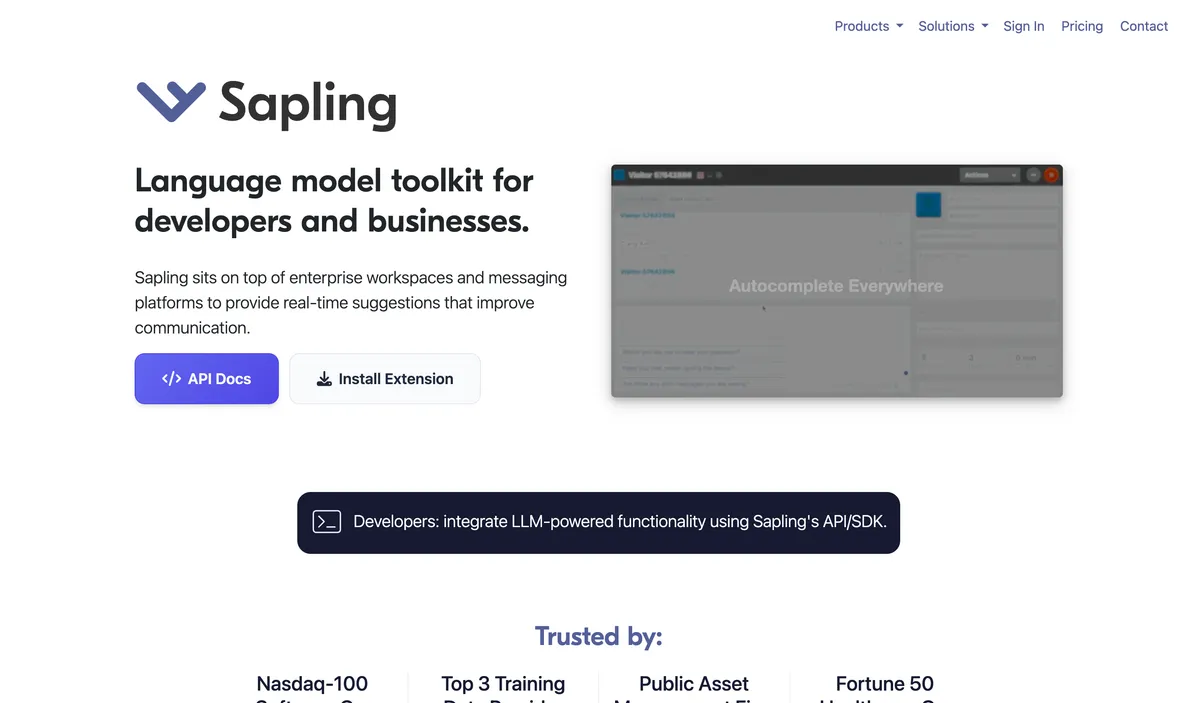
Sapling is designed for people who write a lot of messages to customers: support agents, sales reps, account managers. It learns common responses and helps you reply faster.
It's not a general writing tool. But if your job involves responding to 100+ customer messages a day, the autocomplete and snippet features are useful.
Strengths:
- Autocomplete trained on your past messages
- Snippet library for common responses
- Integrates with Chrome, Firefox, Edge, Google Docs, Outlook, Word, and CRMs
- Team performance analytics
Weaknesses:
- Very narrow use case
- Expensive ($25/month, or $12/month annual)
- Not useful for long-form writing
- Limited language support
Best for: Customer support and sales teams.
Pricing: Free tier. Pro at $25/month (or $12/month billed annually).
10. Outwrite
Best for readability scoring
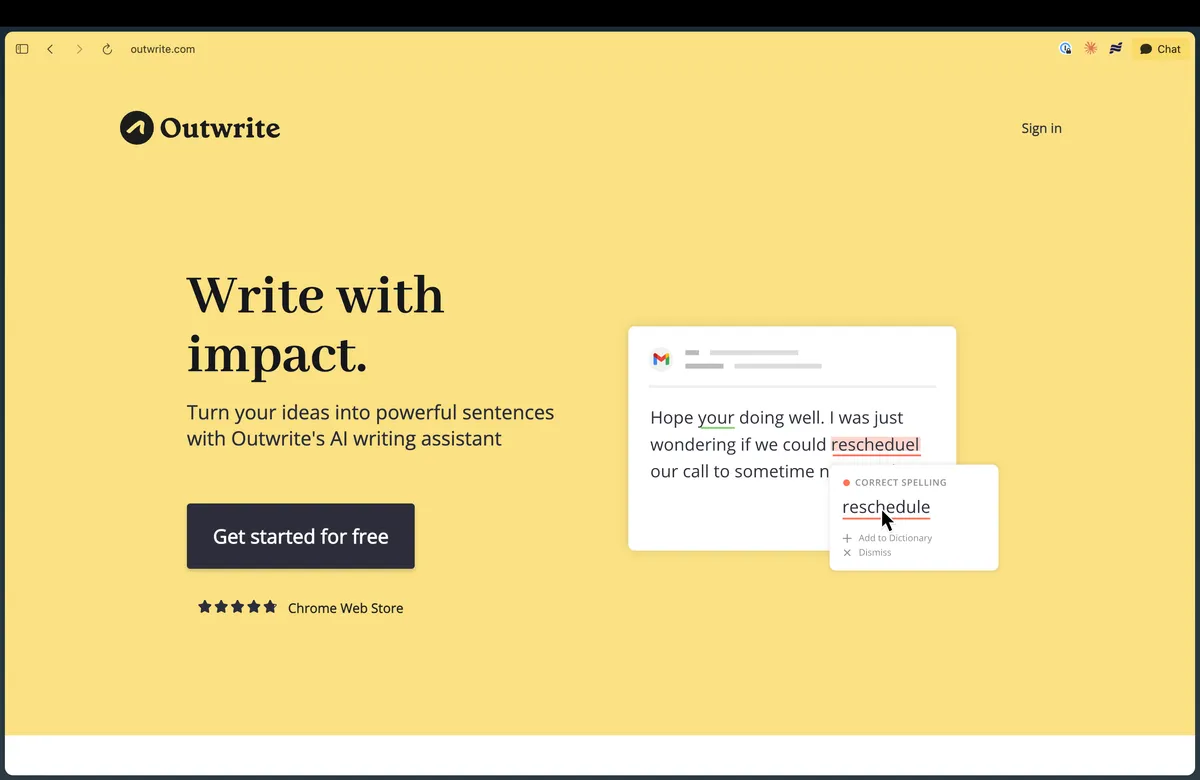
Outwrite combines grammar checking with readability analysis and basic rewriting. More AI features than LanguageTool, less overwhelming than ProWritingAid.
The free tier is limited but the paid version is affordable. It integrates with Google Docs and Outlook, though there's no system-wide access.
Strengths:
- Readability and eloquence scores
- Paraphrasing and sentence restructuring
- Google Docs, Word, Chrome, and Edge integrations
- Built-in plagiarism checker
Weaknesses:
- Smaller user base means fewer updates
- No voice learning
- Browser and integration only, no system-wide access
- English only
Best for: Writers who want a simpler alternative with readability scoring.
Pricing: Free tier. Pro at ~$9/month.
The Bottom Line
Most Grammarly alternatives do the same thing Grammarly does, with different packaging and pricing. The question is what you need:
- Grammar checking? LanguageTool (free, multilingual) or Grammarly's free tier.
- Deep style analysis? ProWritingAid for long-form, Hemingway for readability.
- Quick rewrites? QuillBot or Wordtune for sentence-level paraphrasing.
- Enterprise brand voice? Writer.com.
- Customer support speed? Sapling.
- A writing tool that fits how you work? We built Ditto for the PM who lives in Notion and Slack, the salesperson who sends 40 emails before lunch, the CS lead juggling tickets and internal updates, the marketer drafting copy across five platforms. You write a lot, across a lot of apps. Ditto keeps it sounding like you.
Write faster. Sound like yourself.
Ditto learns your voice and works in every app. Gmail, Slack, Notion, and everywhere else you write. Built for busy professionals.
Download Ditto for macOSNoah
Founder at Ditto
Building tools that amplify your voice, not replace it.